Image to PDF Converter Online Free – Make your photos more presentable
Today many Government and Educational sites require documents in PDF format. In such cases you can simply take a picture of your document, upload it to our Free Image to PDF converter tool and quickly generate a PDF file. The process is easy and does not require any technical knowledge, making it suitable for all users. Your important data is discarded once you close the browser.
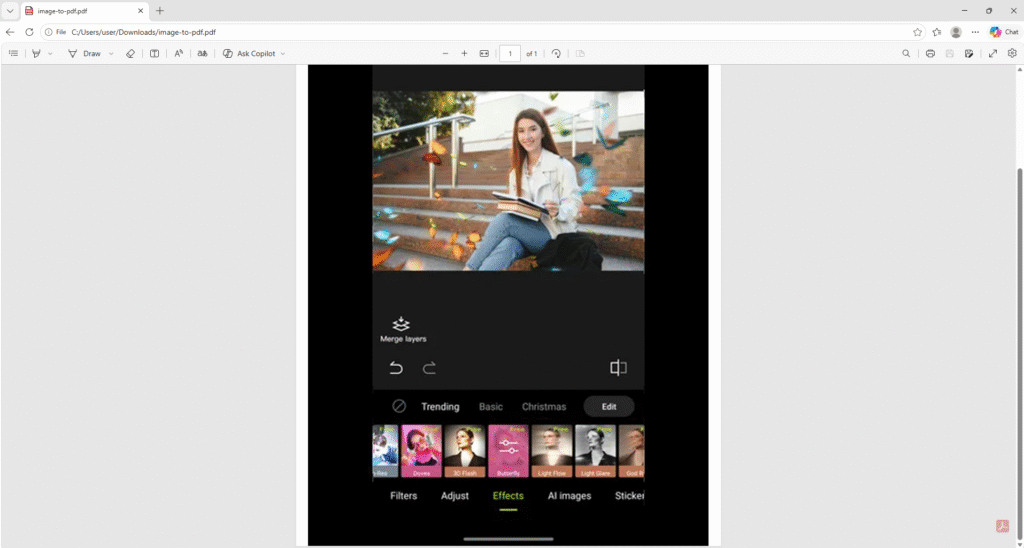
Some images may require minor tweaks before converting to PDF. Use our Hypic MOD APK to edit photos like a pro
Image to PDF Converter
Convert images to PDF instantly — fast, secure, and free.
✔ Free • No signup • Secure processing
All files are processed in your browser. No uploads.
Before

JPG
After
Related Image Tools
You may also like our Image resizer, PNG to JPG converter and other conversion tools
Image Compressor
Reduce Image Size by compressing with our online image compressor tool. Fast and secure
WebP Convertor
Online WebP conversion tool converts your images into modern WebP format. Convert JPG and PNG images easily
PNG to JPG
Best tool to convert PNG images into JPG. Easily convert and reduce the file size of the image
Explore all our powerful image utilities on the Tools page.
You can also enhance your images using the Hypic mod apk.
Convert Images to PDF on the go
The image to PDF converter tool lets you convert your important document images to PDF. This is all done online, and no software download is required
- All the conversions are free, and no account creation is required
- Compatible with all modern devices
- The tool is easy to use. Convert your images in a few clicks
- Nothing is copied or stored. We respect your privacy
- Check the preview of the selected image before conversion
- Fast and secure download
Make your images more presentable in an official manner with our image to PDF converter tool
How to Convert an Image to a PDF document
A short guide about the conversion process:
Step 1: Visit https://hypicsmodapk.com/image-to-pdf-converter/
Step 2: Click the “Upload box”. This will open a folder on your device
Step 3: Select any image from the folder
Step 4: Check the preview of the selected image
Step 5: Click “Convert to PDF”
Step 6: Click “Download PDF” to download the result
The tool is designed to work for new users. It’s simple and no complex steps are involved
Frequently Asked Questions (FAQs)
Q: Why do people convert images to PDF?
Some sites require a PDF format file and not the image. Simply convert the image to PDF and you are done
Q: How many images can I convert in a day?
You can convert as many images as you like but they will be converted one by one
Q: How long does it take to convert an image?
The conversion process takes less than a minute, depending on your internet speed
Q: What about quality?
The quality of the image is preserved while processing
Q: What is the size of the downloaded file?
The PDF documents have a large file size as they are of good quality. So your image will be converted to a large file size
Q: Is my data shared with anyone?
We respect your privacy. All images are deleted once you close your browser
Conclusion
Don’t worry if a site asks you to upload a PDF instead of an image. We’ve got your back in such situations. Simply open our image to PDF tool, convert the image and download the PDF. Our tool is free, unlike many tools in the market. It’s easy to use and fast. The image is only visible to you while you convert to PDF. We never store or copy user data.
We offer many conversion tools on our site and if you are interested in photo editing, please our homepage for Hypic MOD APK